Optimasoft AI Suite: how AI modules work together around one FMCG visit
AI in FMCG should not be a list of separate features. The real value appears when route, shelf recognition, recommended order, asset validation, coaching, agents and Chat BI work around one visit.

AI in FMCG can easily become a list of features.
We have image recognition. We have route optimization. We have recommended orders. We have AI agents. We have Chat BI. We have coaching. We have workflow automation.
Everything sounds good separately.
But the sales representative does not work separately.
They enter a specific store, at a specific moment, with a specific customer, specific shelf, specific order, specific promotion and specific risk of missed sales.
That is why the AI suite should be designed around one visit.
What needs to happen before, during and after the visit so the outlet becomes better?
That is the right architecture.
One visit, many decisions
In a standard FMCG visit, the representative answers many questions:
- which outlet matters today;
- why it is on the route;
- what needs to be checked;
- which SKUs are risky;
- whether there is a promotion;
- whether there is an asset or display;
- what the shelf shows;
- what order should be suggested;
- how to argue it with the customer;
- what should be escalated;
- what should be closed after the visit.
If each AI module works separately, the representative gets noise.
If the modules work together, they get decision support.
Before the visit: route and visit brief
The day does not start from the map.
It starts from priority.
Route optimization should combine geography with commercial signals:
- outlet potential;
- OSA risk;
- active promotion;
- open issues;
- route constraints;
- visit frequency;
- recommended order opportunity;
- supervisor priority.
Then Optimasale should turn this into a short visit brief:
- why this outlet matters today;
- what was detected last time;
- which SKUs are critical;
- what action needs to close;
- what recommended order is expected;
- what coaching focus the representative has.
This is the first AI loop: from data to priority.
At the shelf: image recognition as business signal
The photo should not be only evidence.
It should be a signal.
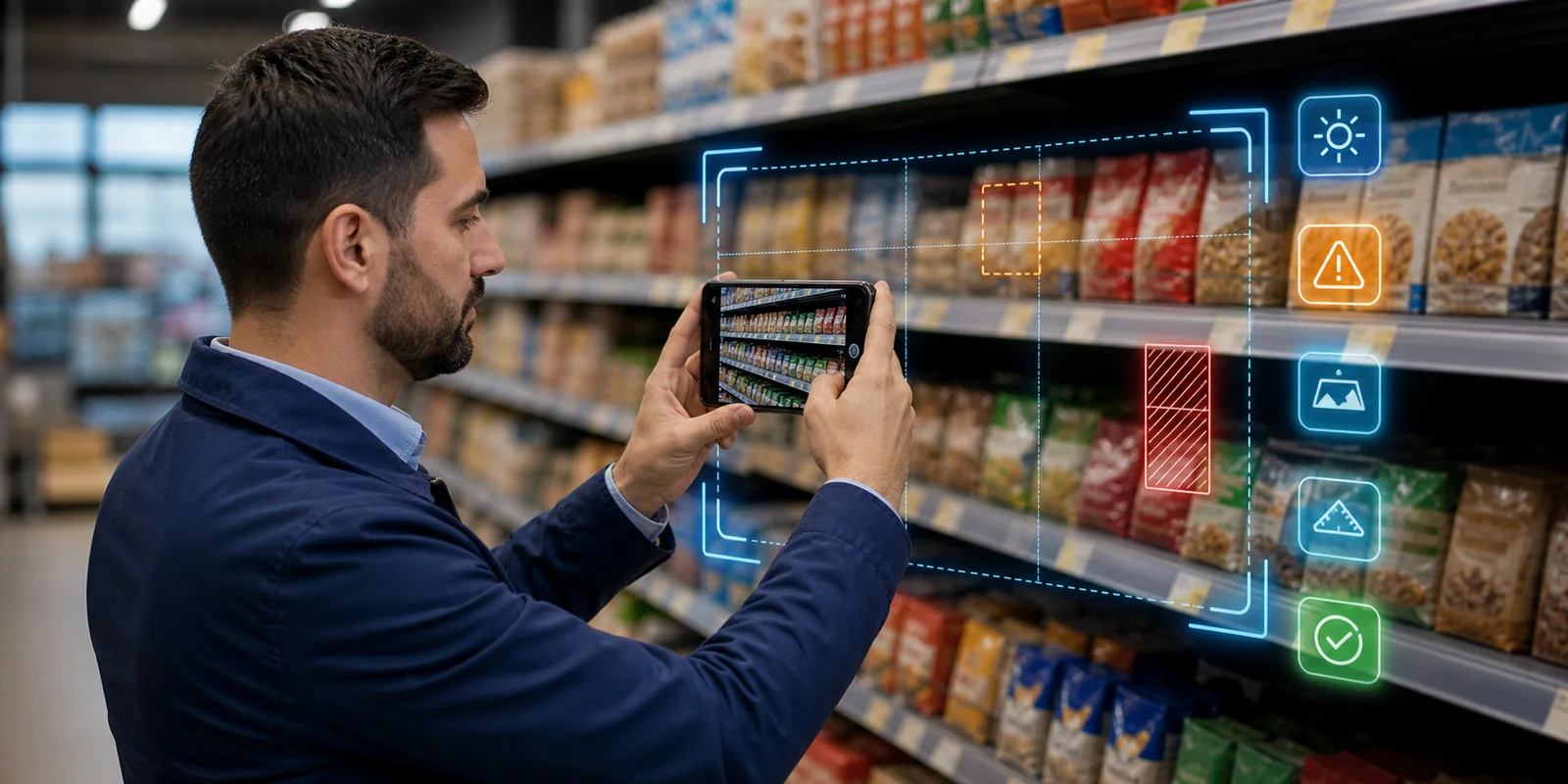
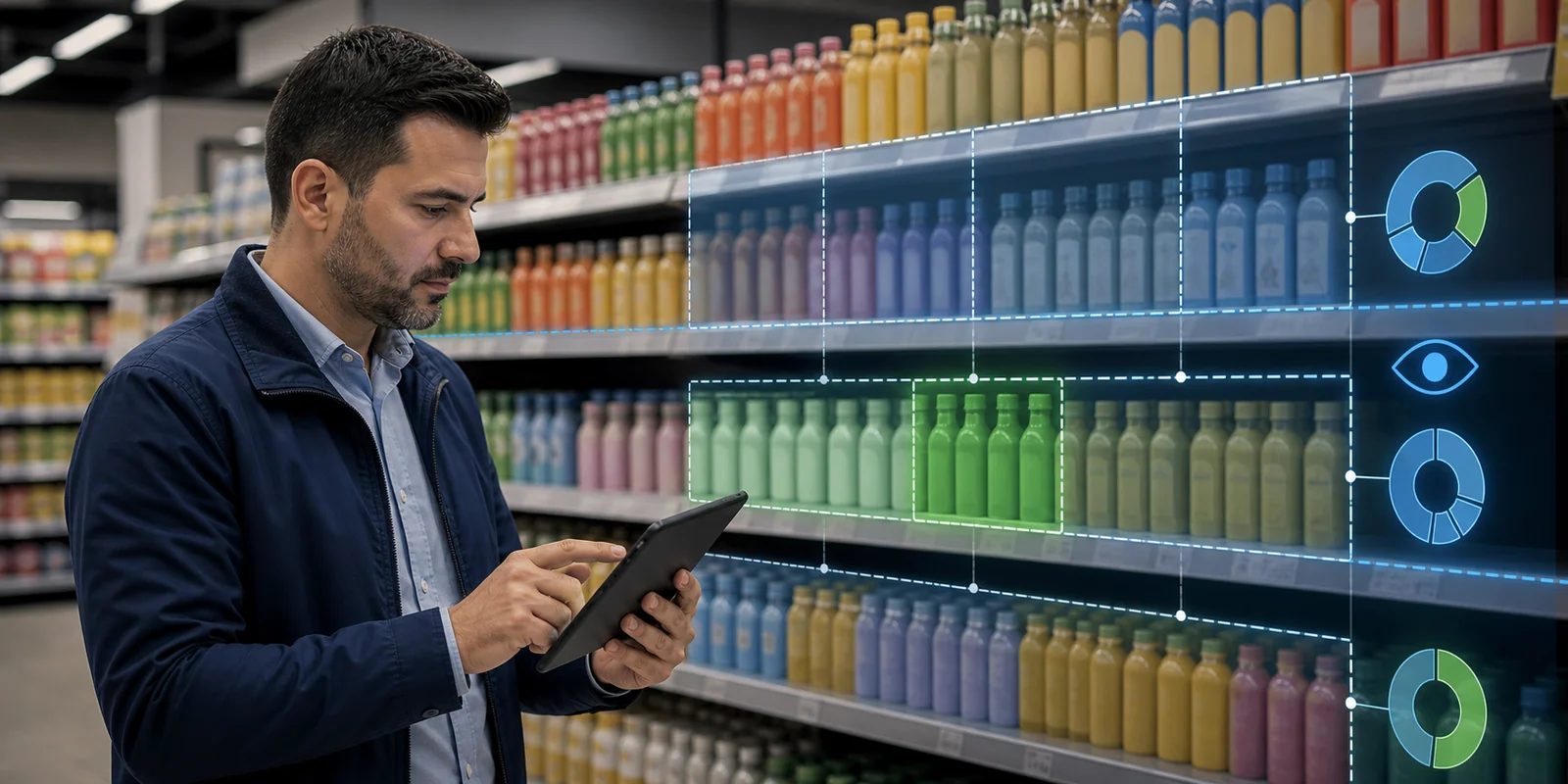
Image recognition can detect:
- missing SKUs;
- facings;
- share of shelf;
- planogram gaps;
- price or promo deviation;
- shelf clutter;
- competitor pressure;
- asset or display problem.
But the real value comes next.
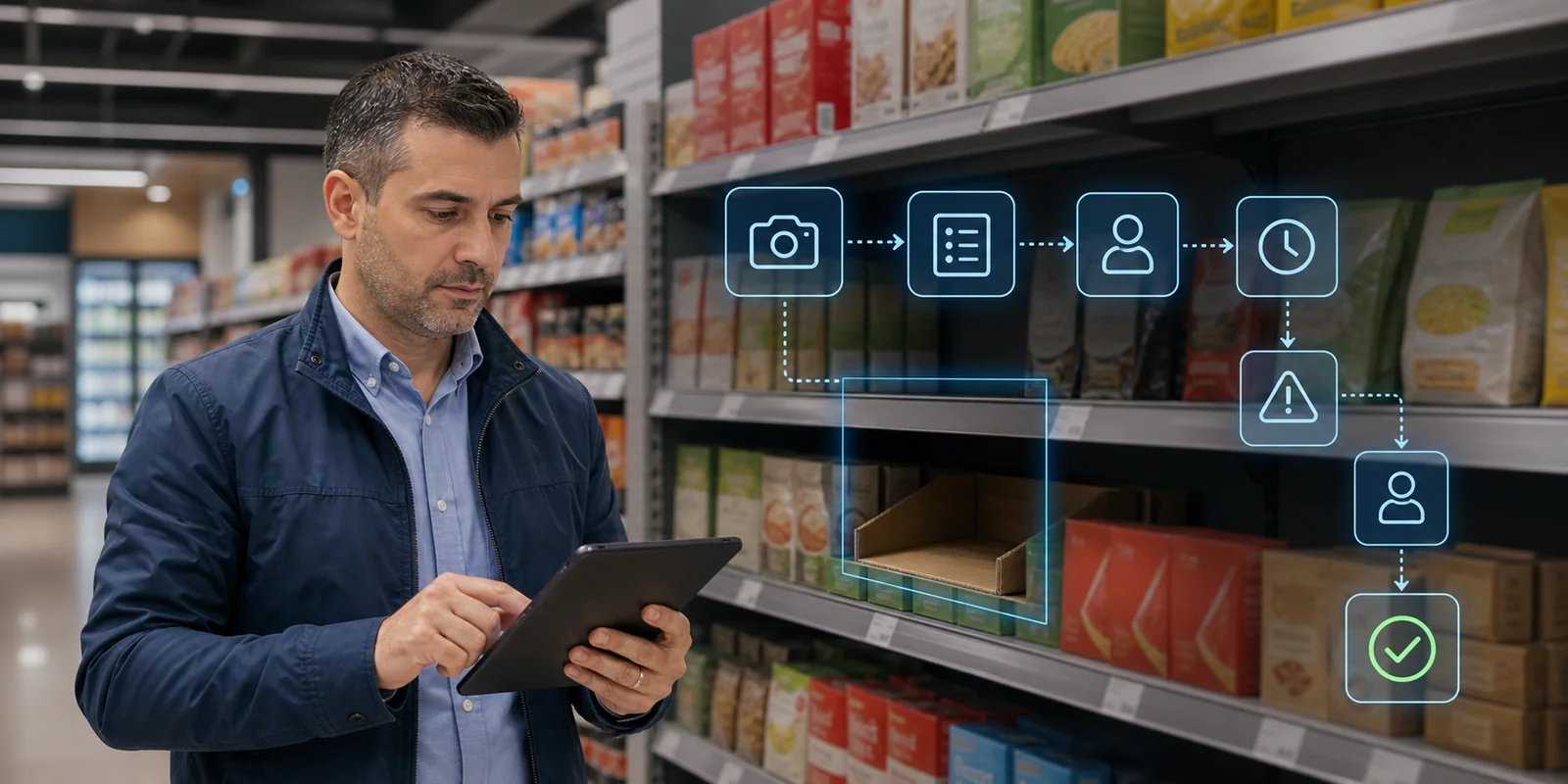
If the shelf scan shows a shortage, the system should know what to do:
- change the recommended order;
- create an issue;
- escalate to supervisor;
- record OSA risk;
- change route priority;
- create a coaching signal.
Shelf computer vision explains the technical layer. In the AI suite, that layer should be input to action.
At order taking: AI Order Brain
The order is where many shelf signals become commercial outcome.
AI Order Brain should not simply suggest a quantity. It should suggest quantity with reason:
- order history;
- sell-out or proxy signal;
- OSA risk;
- promotion calendar;
- seasonality;
- customer behavior;
- previous overrides;
- availability and delivery constraints.
The representative should not be replaced. They should be prepared.
If the customer refuses, the reason code matters. If the representative changes the recommendation, the override matters. If the recommendation works, that becomes a learning signal.
This is the second AI loop: from shelf and order data to a better commercial conversation.
Around assets and visibility: Asset Validator
Many FMCG sales are not decided only on the main shelf.
Coolers, displays, POS materials, checkout zones and secondary placements can significantly change visibility.
Asset Validator should answer:
- is the asset in the right place;
- are the right products inside;
- are competitor products present;
- is the cooler switched on;
- is the display full;
- is POS material visible;
- is the issue closed with evidence.
This is the third AI loop: from investment in visibility to controlled execution.
After the visit: workflow and AI agents
A visit rarely ends when the representative exits the store.
Follow-up remains:
- shortage to check;
- promo display to install;
- supervisor call;
- distributor issue;
- credit block;
- repeated refusal;
- asset problem;
- manager summary.
Workflow orchestration should define who does what, by when, and what evidence closes the task.
AI agents can help:
- prepare summaries;
- create follow-up;
- check recurrence;
- remind before deadline;
- group issues;
- suggest escalation;
- prepare manager brief.
But an AI agent should work within rules. Not freely. Not without audit trail. Not without owner.
This is the fourth AI loop: from detected problem to closed action.
Coaching: AI as support for the human
The AI suite should not evaluate the representative only as a score.
It should help them become better.
Sales coaching can use signals from:
- rejected recommendations;
- order overrides;
- OSA misses;
- route overrides;
- issue closure;
- customer objections;
- promo execution;
- Perfect Store score.
Then the system can propose a specific coaching topic:
"In these outlets, customers reject recommended orders for SKUs with OSA risk. Here is the argument to use."
That is useful. Generic "sell more" is not.
This is the fifth AI loop: from behavior to a better next conversation.
The manager: from dashboard to next best action
The AI suite is not only for the representative.
The regional manager should see:
- top risks;
- problem outlets;
- OSA issues;
- open actions;
- route exceptions;
- coaching needs;
- promo execution gaps;
- recommended order patterns;
- systemic issues.
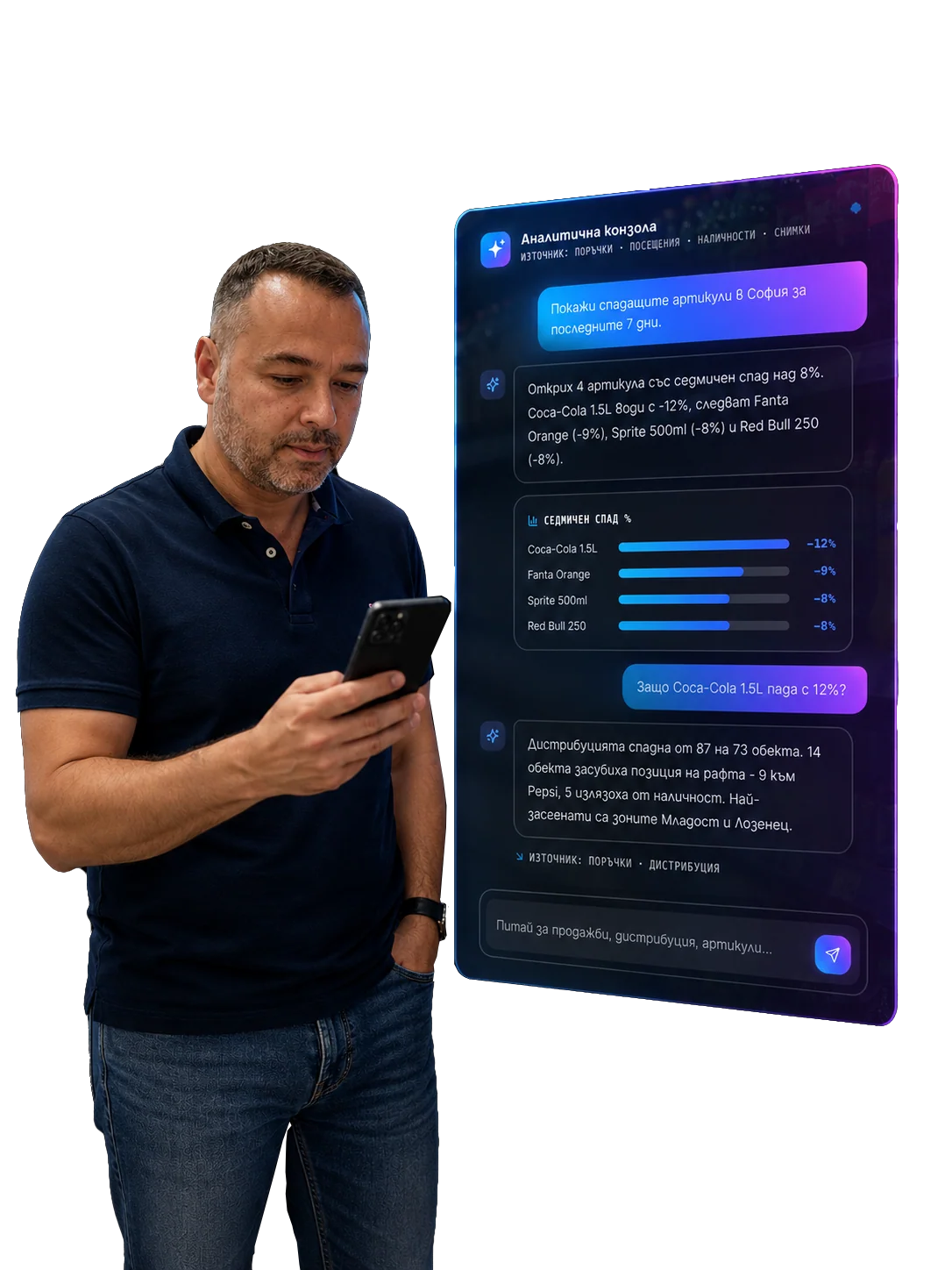
Chat BI can make this practical. The manager should not search through dashboards. They should ask:
"Which outlets should I check today if I want the highest impact?"
Supervisor dashboard shows why this matters: the manager does not need everything, but the right risk and the right action.
Why integration matters more than the individual module
A standalone AI module can look impressive.
But in the real process, value comes from connection:
- route signal determines where to go;
- shelf signal shows what is happening;
- order brain turns risk into quantity;
- asset validator controls visibility investment;
- workflow closes the problem;
- agents reduce administrative follow-up;
- coaching improves behavior;
- Chat BI helps the manager act.
If these things are not connected, the AI suite becomes a collection of features.
If they are connected, it becomes an execution intelligence platform.
In short
Optimasoft AI Suite should be designed around the real day of the representative.
Not as a list:
- image recognition;
- route optimization;
- AI order taking;
- asset validation;
- sales coaching;
- agents;
- Chat BI.
But as one flow:
- Prioritize the right outlet.
- Prepare the representative.
- Read the shelf.
- Recommend the order.
- Validate visibility.
- Create the action.
- Close the follow-up.
- Coach the behavior.
- Show the manager where to intervene.
AI in FMCG does not win by being "intelligent" on its own.
It wins when it helps the team make the right action in the right outlet while there is still time to change the result.
Related in Optimasoft
- Optimasale is the core field execution layer around which the AI suite works during the visit.
- Image recognition, AI Order Brain, Route optimization, Asset Validator, Sales coaching, AI agents, Workflow orchestration and Chat BI are the modules that close the execution loop.
- AI-native FMCG explains the broader architecture of this model.
- FMCG sales representative 2.0 shows how the AI suite looks in the real day of the representative.
Sources
Related articles